
Edit a Customer Profile
This guide will walk you through the process of editing a customer profile from the Customer Vault.
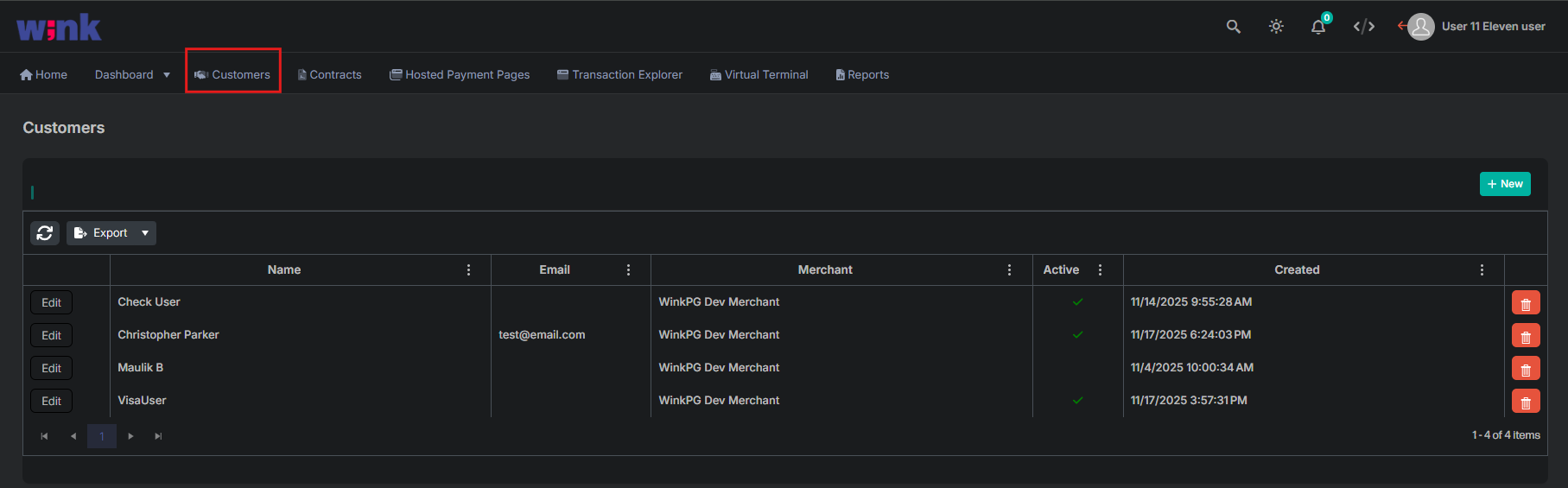
1. Navigate to the Customer Vault
Select Customers from the main navigation menu.
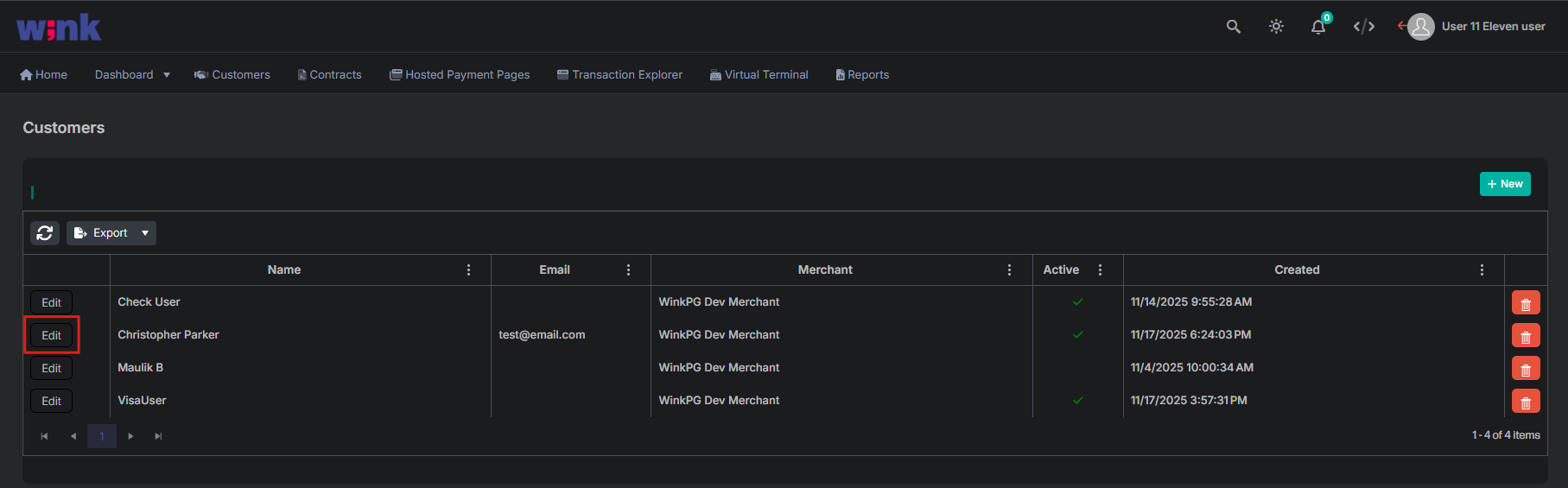
2. Edit a Customer
Select the Edit icon next to the customer name.
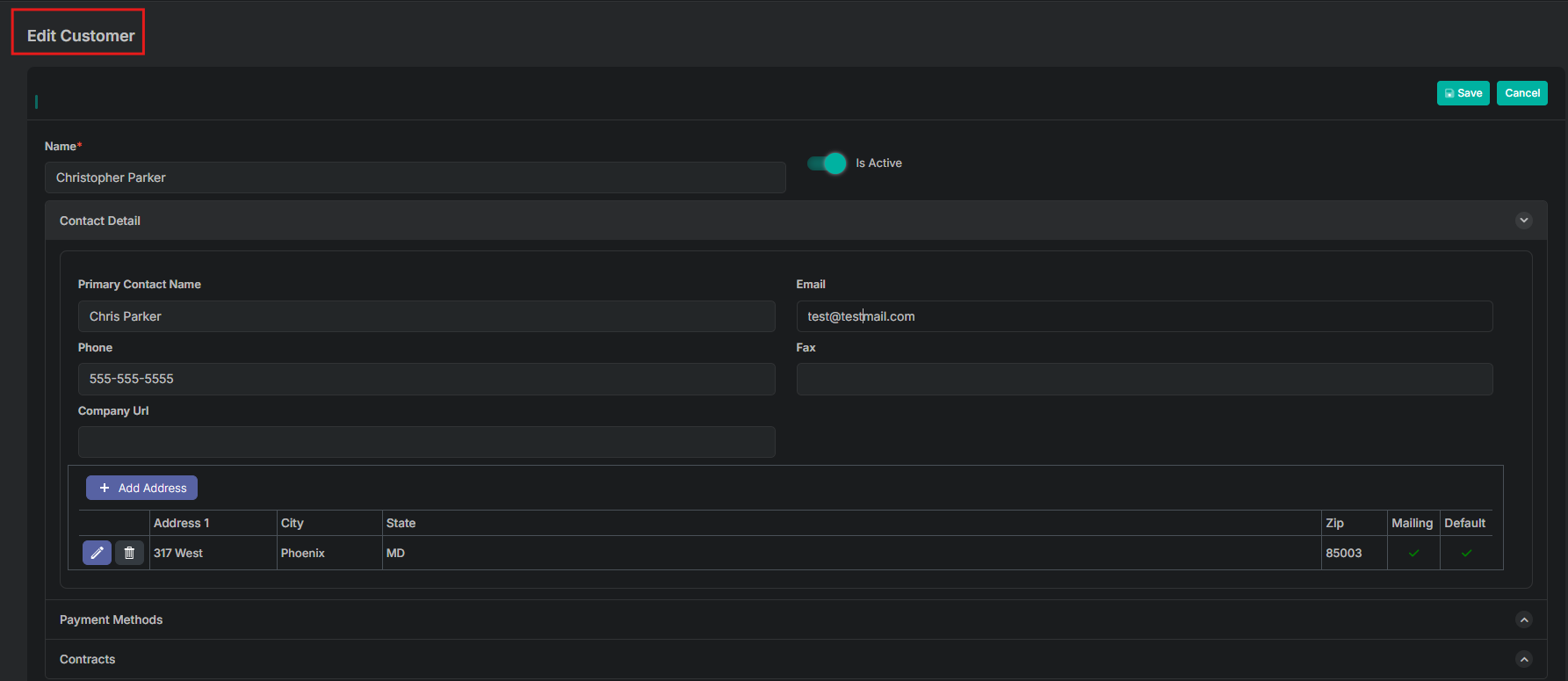
3. Update the Customer Profile
Make necessary changes to the customer profile from the Edit Customer screen.
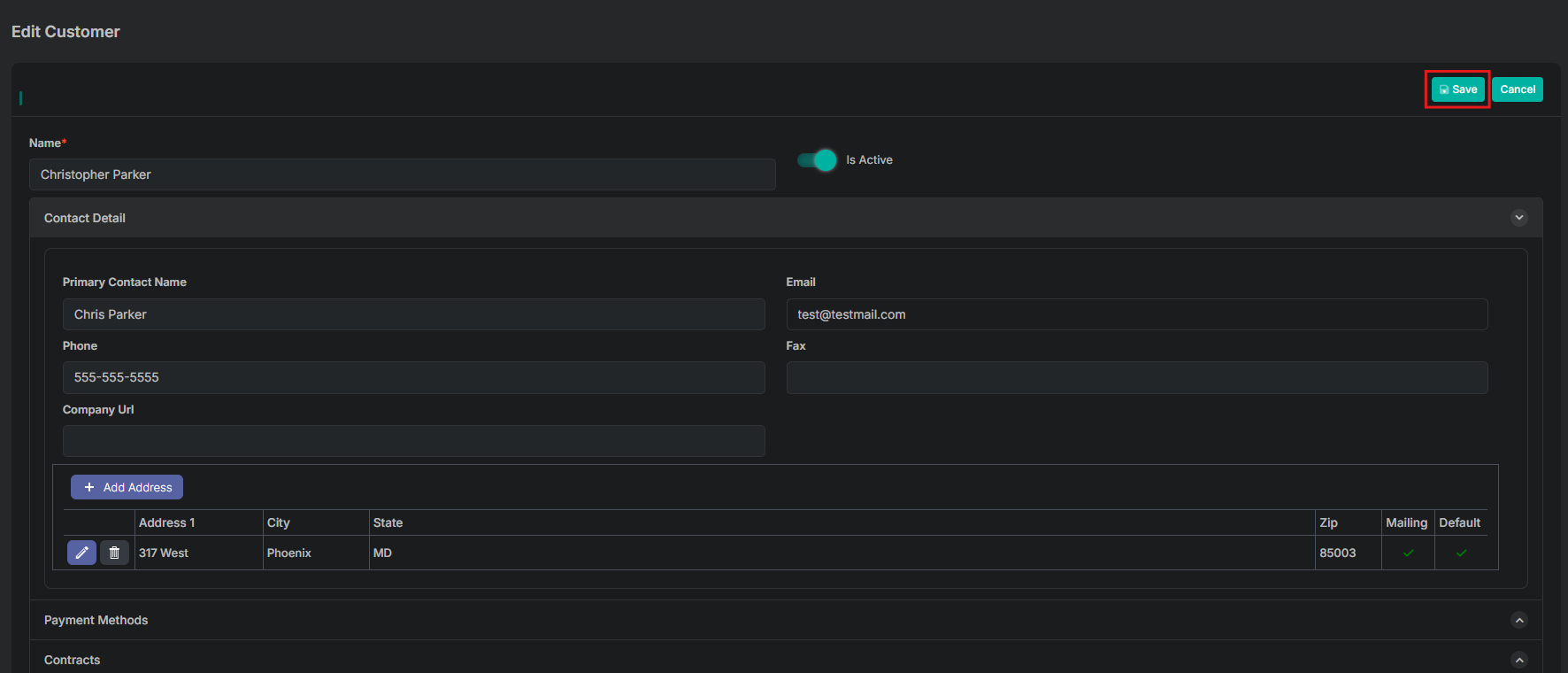
4. Save changes to Customer Profile
Select the Save icon after all updates have been made to the customer profile.
Updated 11 months ago
Did this page help you?