
Permissions & Camera Access
Browser-level camera permissions.
When the SDK mounts, the user sees this preparation screen before biometric capture begins.
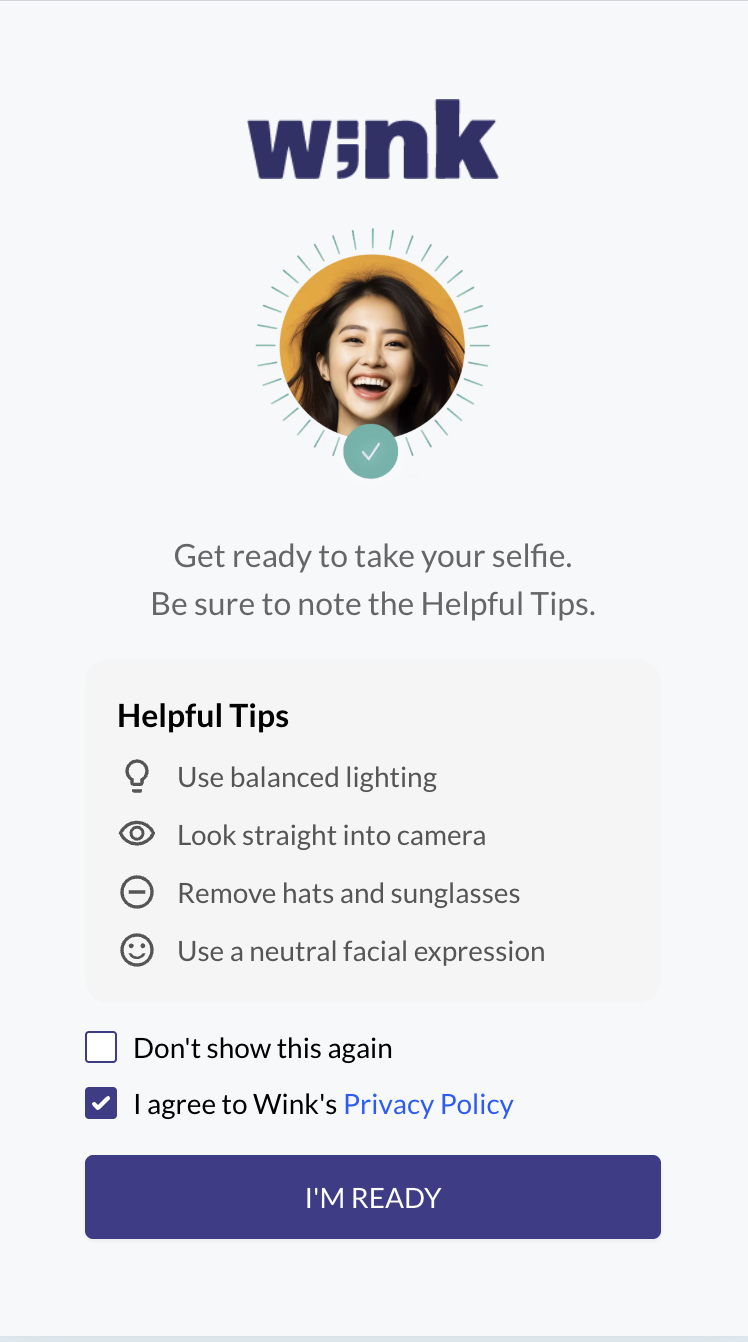
The user will now be able to prepare to perform a biometric verification without external factors affecting them. They have a better understanding of what will happen and what the most optimal conditions are.
At same time, the browser or operating system automatically checks for camera access permissions and displays a native confirmation prompt.
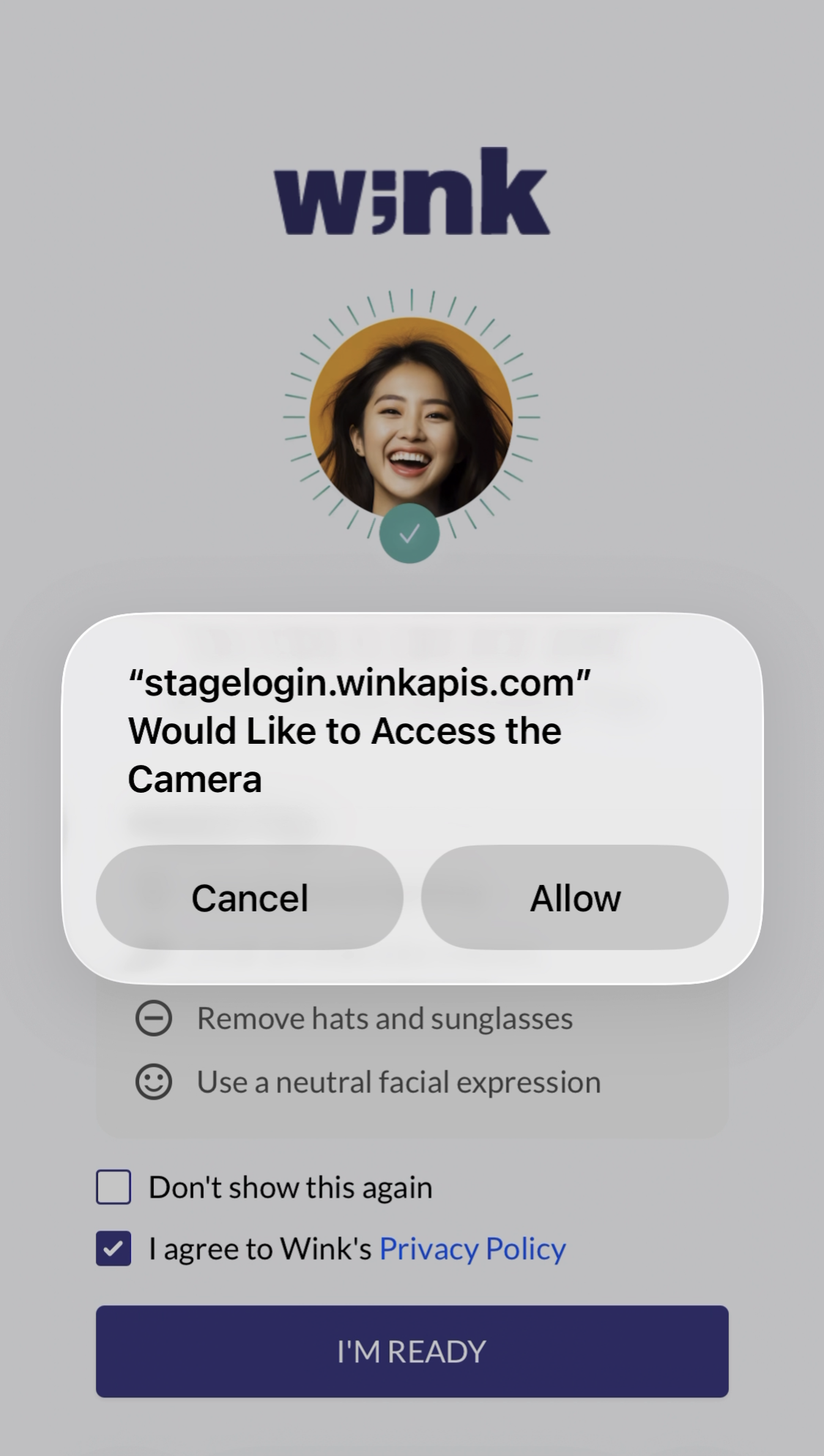
Once the user grants access, the Wink Identity Web SDK immediately begins the facial recognition step to ensure a fast and seamless onboarding experience.
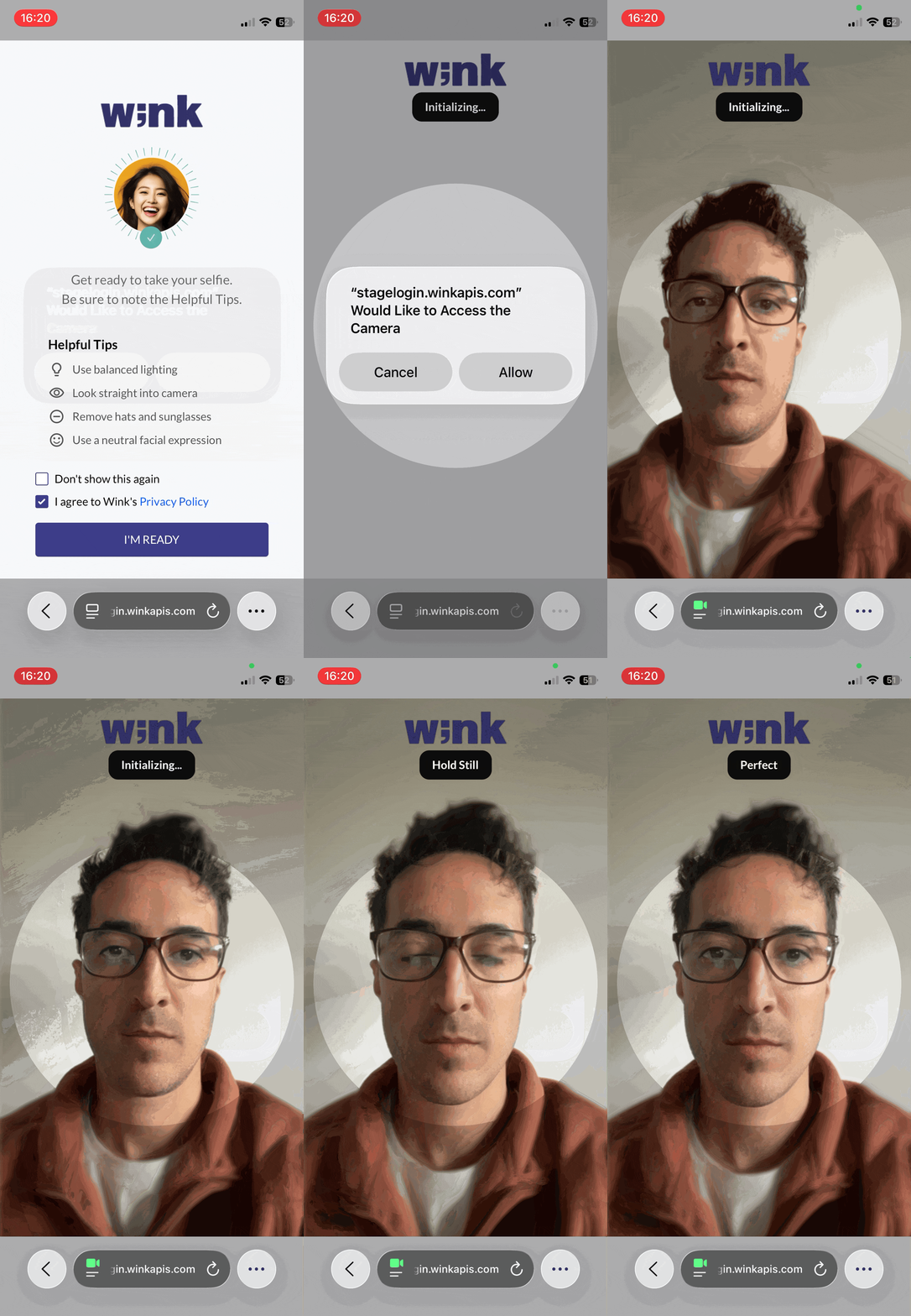
When Permissions May Be Requested Again? Camera permission typically needs to be granted only once. However, when using incognito mode, private browsing, or certain browser/device security settings, the user may be asked to grant this permission again in future sessions.
Updated 6 months ago
What’s Next
See how the SDK captures the user’s face and performs liveness detection before determining their path.