
Face Capture & Liveness Detection
Learn how the SDK handles face detection and liveness checks to ensure secure enrollment and authentication.
Detecting a Face
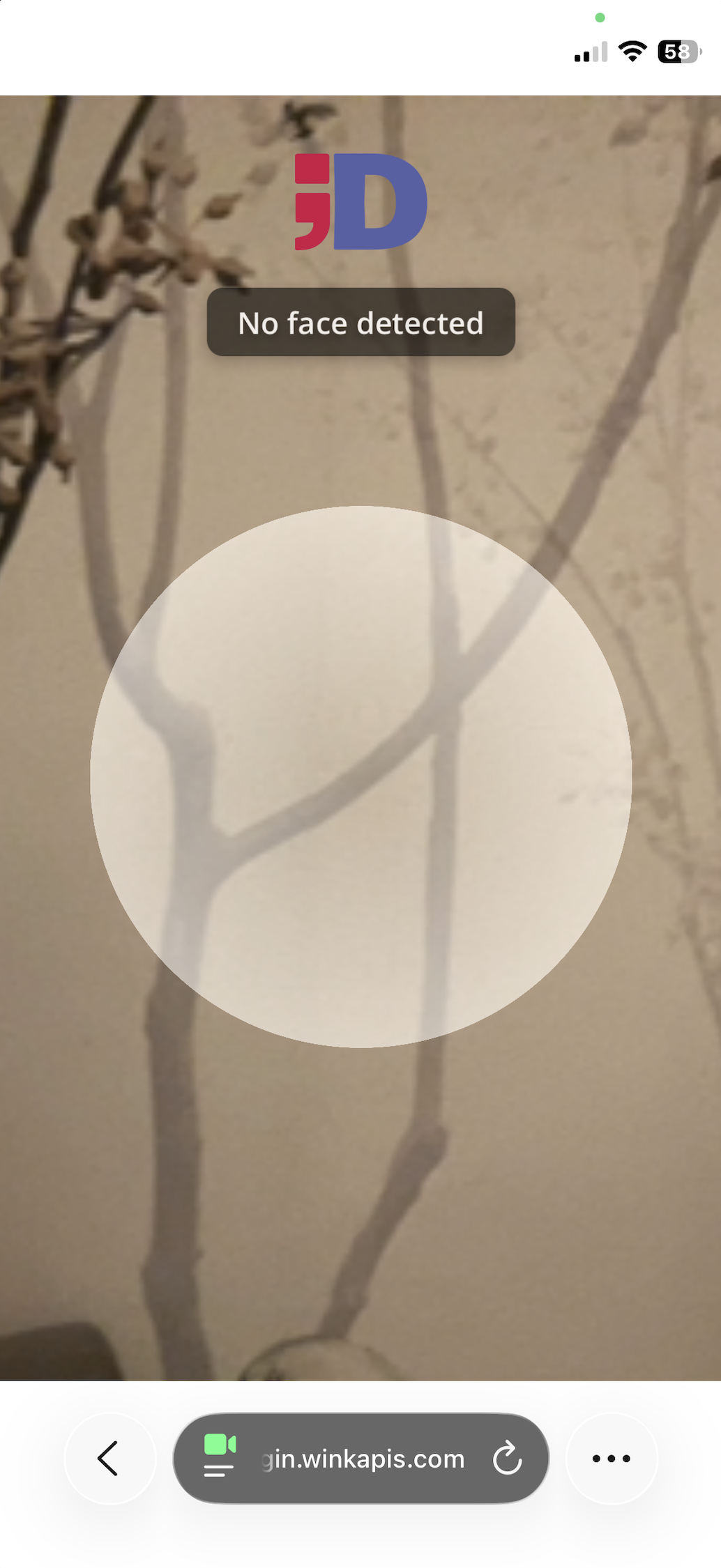
Once the camera is active, Wink Identity automatically begins searching for a face in the frame. If no face is detected, an informational message is shown and the system waits until a face appears.
Validating Position, Distance and Stability
When a face is detected, the system evaluates:
- Position: the face should be centered and not cropped
- Distance: neither too close nor too far
- Stability: the face must remain properly framed

If these conditions remain valid for approximately one second, the system captures the facial image very fast.

Liveness Detection
To pass liveness detection, the user must be physically present. Presenting a selfie or recorded video will fail this step. Liveness may also fail under certain conditions such as bright backlighting, very low light, sunglasses, or a partially obstructed face.
Retry handling
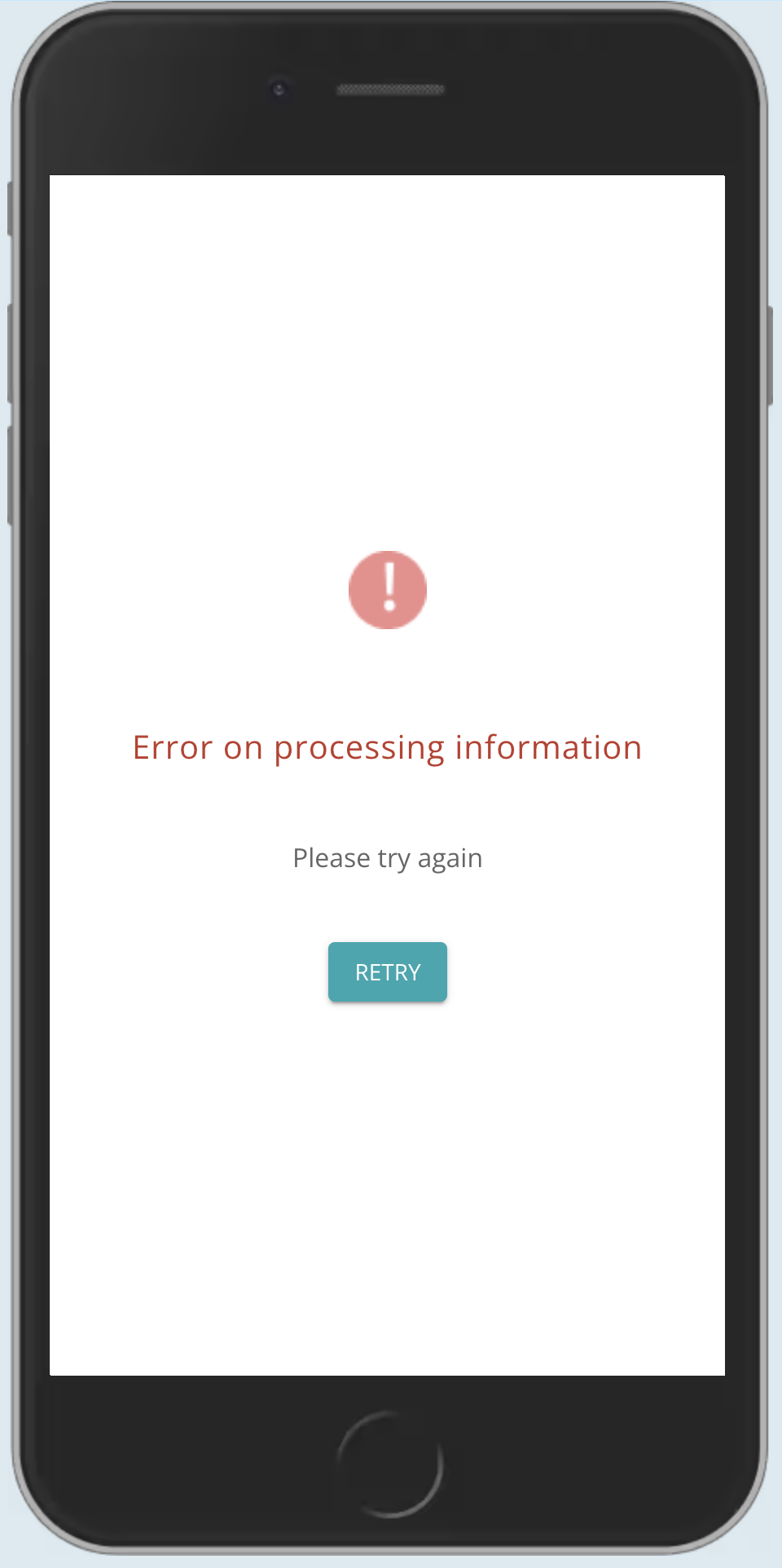
If face-liveness detection fails, the user is given the option to retry.
Updated 5 months ago
Proceed to the next section to review how the Wink Identity Web SDK routes users to Recognition or Enrollment.